Best Workflow Automation Tools for Visual Workflow Modeling in 2026
Most teams pick a workflow tool and then hit a wall when the diagram they built in the demo refuses to handle real approvals or audit trails. The gap appears in the first month, not the first quarter.
By the end of this article you will know the exact criteria to test visual workflow modeling against, see where Process Street Ops sits in that list, and have a short decision checklist that ranks Camunda and Appian on the same points.
What to Look For in Visual Workflow Automation Tools for 2026
Visual workflow automation tools in 2026 must combine BPMN compliance, drag-and-drop interfaces, and AI-assisted orchestration to reduce manual effort.
Selecting the right platform requires careful attention to six core capabilities. Each criterion comes with a measurable benchmark that separates capable systems from basic flowchart builders.
BPMN 2.0 conformance ensures process mapping follows international standards. Look for tools that support full BPMN 2.0 notation including gateways, events, and sequence flows. Benchmark requires export to standard BPMN XML format without proprietary extensions.
Native drag-and-drop interface eliminates the need for custom scripting. Users should build workflows by placing shapes and connecting elements directly. The benchmark is that all standard process elements work without code or external plugins.
Built-in conditional logic and trigger actions automate decision points and responses. Advanced platforms handle if-then rules and event triggers natively. Measure this by counting the number of supported trigger types and conditional operators available without custom development.
Real-time monitoring dashboards display live workflow status updates. Teams need instant visibility into running processes and completed tasks. The benchmark requires refresh intervals under 30 seconds with no manual page reloads needed.
Workflow versioning and rollback protect against unintended changes. Every modification creates a new version with the ability to restore previous states. A strong system maintains at least 50 prior versions with one-click restoration options.
Role-based access controls secure sensitive workflows and data. Different team members receive permissions based on their job functions and responsibilities. The benchmark requires granular controls at the workflow, folder, and field levels with audit logging for all access changes.
1. Process Street - Best Overall
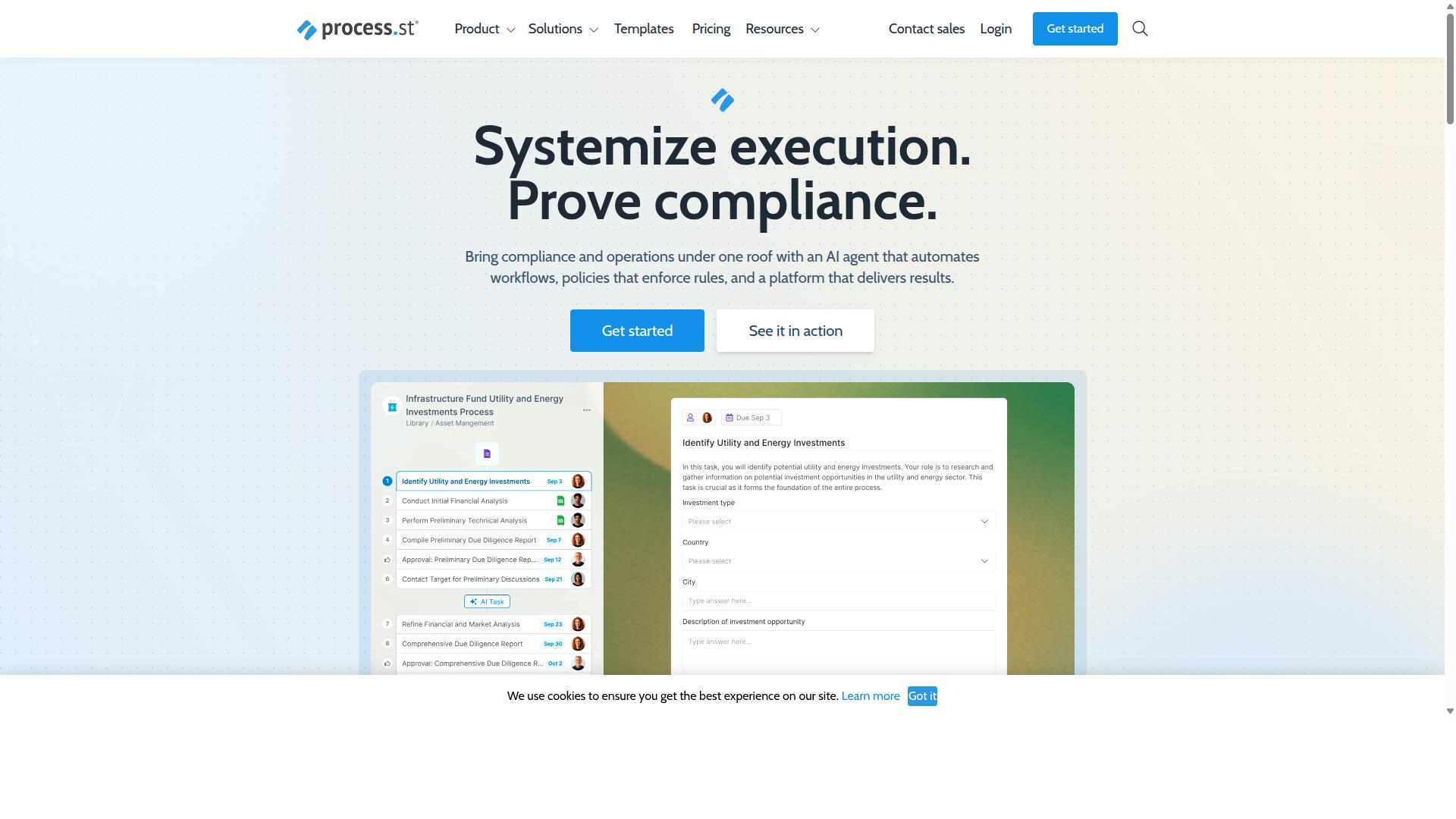
Process Street earns the top spot through its unified Ops workflow orchestration platform that serves 3,000+ companies globally.
Visual workflow modeling depth stands out through extensive process mapping capabilities. The platform supports detailed flowchart creation with multiple decision points and branching paths. Companies can model complex approval chains that reflect actual business requirements.
AI-powered workflow automation speed reduces setup time through intelligent automation suggestions. Organizations achieve faster deployment when using AI-assisted process design. This capability helps teams move from concept to active workflow more efficiently.
Compliance-ready audit trails provide complete documentation for regulatory requirements. ISO 27001 and SOC 2 Type II certifications ensure data handling meets enterprise standards. HIPAA and GDPR compliance options extend these protections across different industries.
Process Street Ops for Visual Workflow Modeling
Process Street Ops converts policies into AI-powered workflows using a no-code drag-and-drop interface.
Pre-built workflow templates accelerate onboarding and approval processes. These templates cover standard HR procedures and document review cycles. Teams can customize these foundations to match their specific requirements.
Conditional logic blocks enable workflows to branch automatically based on defined criteria. A new hire process might route different documentation to different departments depending on role or location. This automation eliminates manual routing decisions.
Integration connectors connect workflows to SaaS apps including Zapier, Microsoft Power Automate, and Tray.io. A mapped process might trigger data updates in multiple systems when an approval completes. This connectivity reduces duplicate data entry across platforms.
Pricing and Plans for Process Street
Process Street offers three tiers to fit startup to enterprise budgets.
The Startup plan includes up to 100 automation actions monthly. This tier limits data set records to 5,000 and provides access to 10 automation apps. A 14-day free trial gives teams time to evaluate the platform.
The Pro plan removes user limits and expands data set capacity to 10,000 records. Custom automation actions and API calls scale with business needs. This tier suits growing teams that require more flexibility.
The Enterprise plan uses custom pricing for organizations needing dedicated support and unlimited API access. Additional services include fully-managed workflows and process consulting. This tier targets large organizations with complex requirements.
2. Camunda
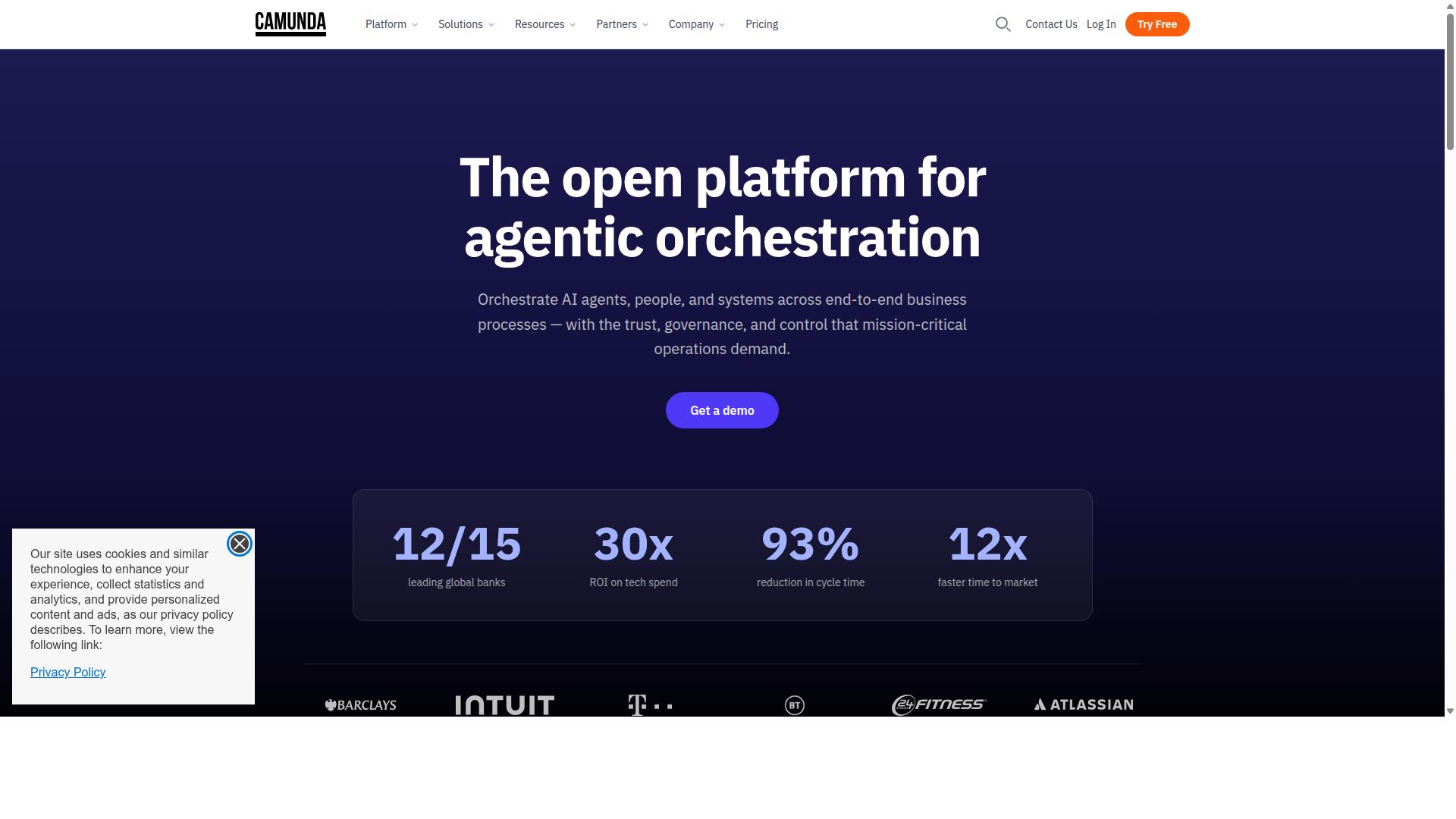
Camunda provides open-source BPMN process orchestration focused on developers and IT teams.
The platform supports organizations that need deterministic, dynamic, and agentic orchestration. It blends predefined logic with AI agents for unpredictable paths.
Camunda serves teams seeking scalable automation and AI integration. The tool coordinates people, systems, and devices to automate end-to-end business processes.
Camunda's Visual Modeling Capabilities
Camunda Modeler supplies a desktop drag-and-drop BPMN editor with full 2.0 validation. The tool gives developers a complete environment for visual workflow modeling.
Camunda offers three core modeling strengths. Teams can use these features to build complex business process management solutions.
- Inline BPMN 2.0 palette allows users to drag standard symbols directly onto diagrams. A financial services company might map loan approval workflows using these standard elements.
- DMN decision table integration connects business rules to process flows. Insurance teams could define policy pricing rules that trigger automatically during claims processing.
- Simulation mode for process testing lets teams run scenarios before deployment. Manufacturing groups can test production routing changes without affecting live systems.
Camunda presents certain trade-offs for different user types. Experts recommend evaluating these factors against team capabilities and project requirements.
- Strong BPMN 2.0 native support makes it suitable for complex process orchestration needs.
- Requires Java/Spring Boot skills which may limit accessibility for business users without development experience.
- Lacks built-in low-code templates meaning teams must build solutions from scratch rather than starting with pre-configured options.
3. Appian
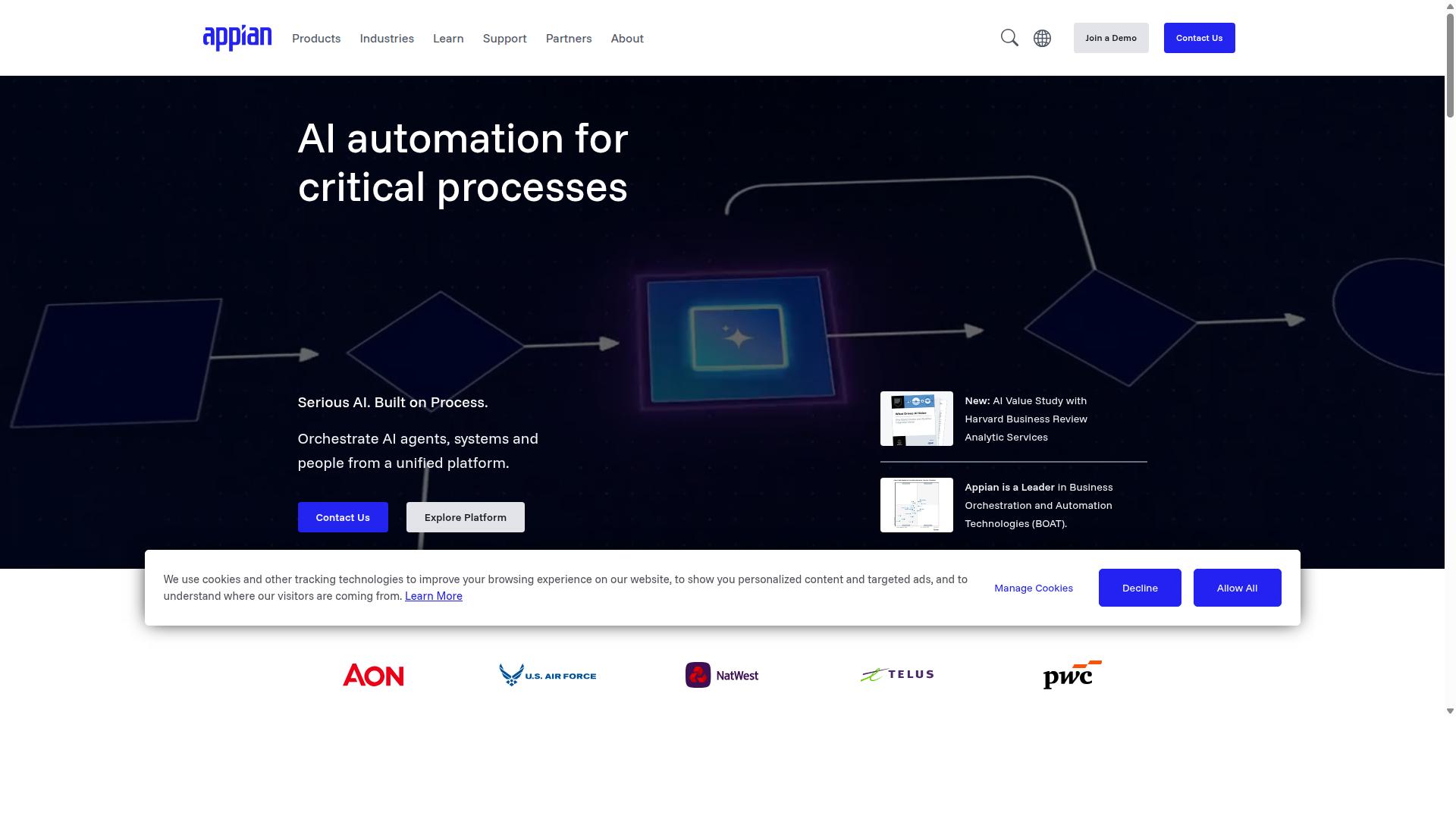
Appian combines low-code app development with BPMN-style workflow automation for large enterprises. The platform offers a unified low-code environment that supports visual workflow modeling across complex business processes. This approach can reduce development time while maintaining enterprise-grade governance standards.
Extensive on-premise deployment options allow organizations to run workflows in controlled environments. This flexibility appeals to regulated industries with strict data residency requirements. Experts recommend evaluating deployment models against specific compliance needs.
Enterprise licensing costs typically reflect the comprehensive feature set and support structure. Organizations should assess total cost of ownership against expected efficiency gains from workflow automation and process modeling capabilities.
Appian's Workflow Automation Features
Appian's process modeler enables drag-and-drop workflow creation with built-in approval chains. A visual process designer with conditional branching supports complex decision trees without custom coding. Users can map approval workflows that adapt based on document type, amount thresholds, or employee hierarchy.
Record-centric automation ties workflows directly to business data objects. For example, a contract renewal workflow can automatically trigger when a customer record reaches a specific date field, pulling relevant details and routing tasks to appropriate teams without manual intervention.
AI-assisted task assignment analyzes historical patterns to suggest optimal assignees for specific workflow steps. One scenario involves routing claims processing tasks to specialists based on claim type, complexity scores, and current workload distribution across the team.
How to Choose the Right Option
Teams should match their technical skill set, budget range, and compliance needs to the tool's core strengths.
Visual workflow modeling requires clear understanding of each platform's approach. Low-code platforms let operations teams build processes quickly. Developer-first tools give IT teams deeper customization options.
| Team Type | Learning Curve | Pricing Transparency | Industry-Specific Templates |
|---|---|---|---|
| Operations | Low-code with drag-and-drop interfaces | Clear plan tiers and feature breakdowns | Employee onboarding, client onboarding, quality tracking |
| Compliance | Low-code with structured approval workflows | Published pricing with compliance add-ons | ISO compliance, document control, audit trails |
| IT | Developer-first with API integrations | Usage-based or seat-based model details | Security workflows, system monitoring, access control |
Process Street serves operations, compliance, and IT teams across financial services, healthcare, manufacturing, and professional services. The platform includes workflow templates for employee onboarding, client onboarding, ISO compliance, quality tracking, and document control.
Teams in these industries can start with pre-built templates rather than building processes from scratch. This reduces setup time while ensuring workflows match established compliance standards.
Final Verdict
Process Street leads for teams seeking rapid, compliant, no-code workflow automation at scale. Businesses gain substantial benefits when they select the right platform.
Process Street delivers three decisive factors that matter most in 2026. Teams report 30% faster documentation and 75% reduction in setup time. SOC 2 Type II and ISO 27001 certifications provide the compliance foundation that enterprise workflows demand.
Over 1 million active users and 3,000 plus companies already trust the platform. These numbers reflect consistent reliability across industries. The verified compliance stack covers GDPR, CCPA, HIPAA, and AWS CIS requirements.
Enterprise teams need visual workflow modeling that scales without sacrificing security. Process Street meets those requirements with documented performance metrics. The platform serves companies with 49,000 plus employees managing standardized onboarding processes.
Compare these concrete results against other workflow automation solutions. The combination of speed, compliance, and user adoption creates a clear advantage for organizations ready to deploy visual process automation.
Reach out to sales for a personalized assessment of your workflow requirements.
Recommended Resources: